
Getting Started
You’ll need one of the following from your teacher:- A class code (like “ABC123”)
- An invite link (URL that starts with gradingpal.ai/invite)
- An email invitation (sent to your email address)
Option 1: Join with a Class Code
1
Go to Signup Page
2
Sign Up
Sign up using:
- Google (recommended if you have a school Google account)
- Email (enter your email and click the link sent to you)
3
Enter Class Code
Enter the class code your teacher provided
4
Confirm and Join
Confirm your name and join the class
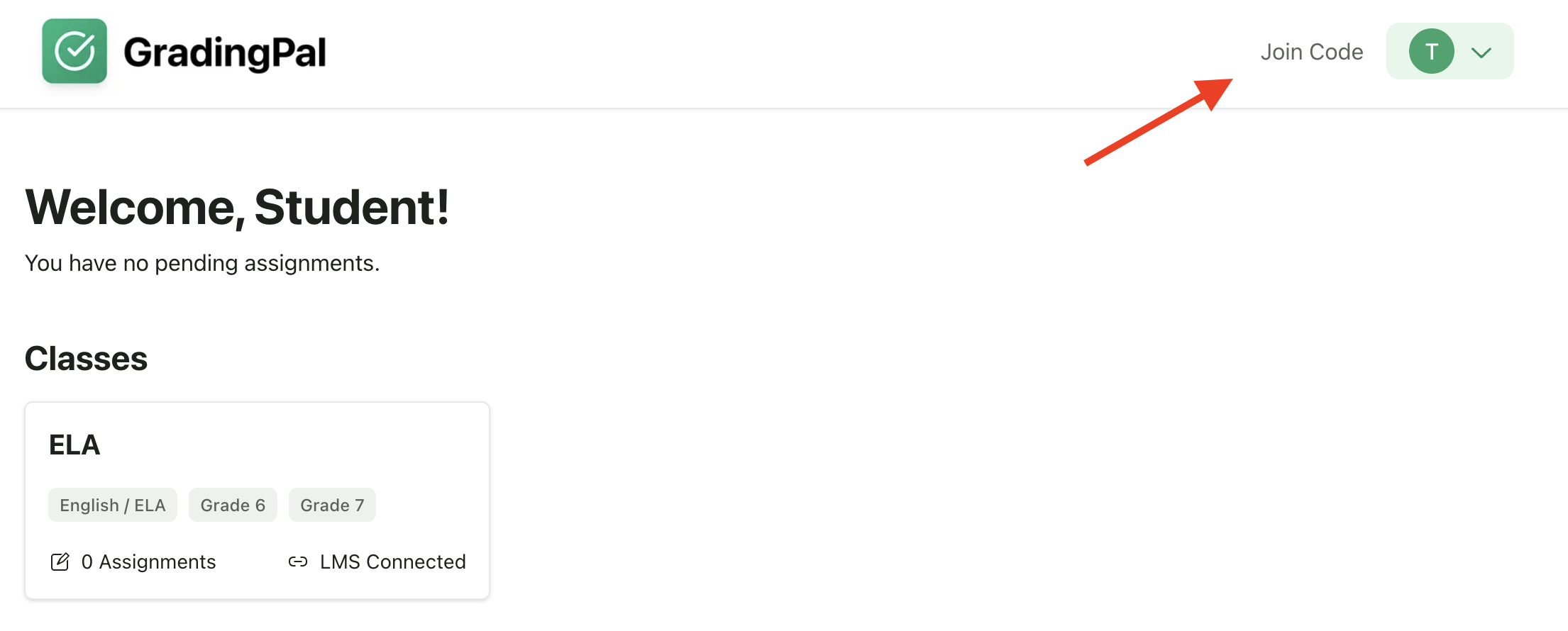
Enter the class code provided by your teacher
Option 2: Join with an Invite Link
1
Click Invite Link
Click the invite link your teacher shared
2
Pre-Selected Class
You’ll be taken directly to the signup page with your class pre-selected
3
Sign Up
Sign up using Google or email
4
Confirm and Enroll
Confirm your name and you’re enrolled
Option 3: Join from an Email Invitation
1
Open Email
Open the email invitation from GradingPal
2
Click Join
Click Join Class in the email
3
Sign Up or Log In
Sign up or log in to your account
4
Auto-Enrollment
You’ll be automatically added to the class
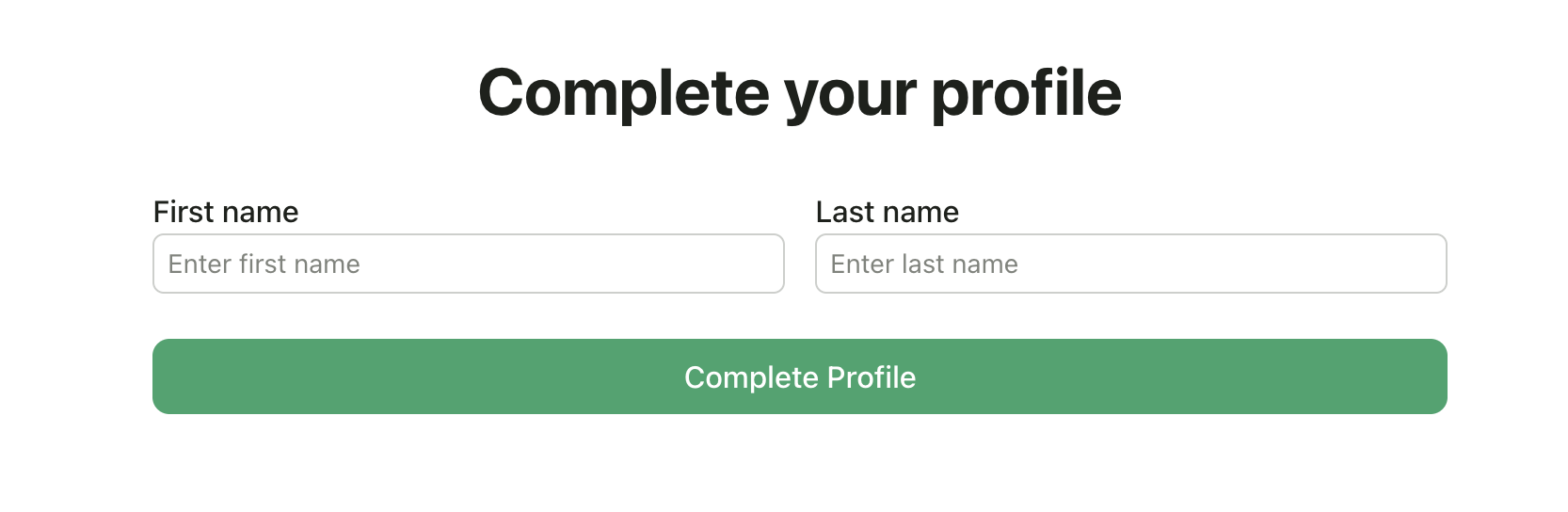
Completing Your Profile
After signing up, you’ll set up your profile:- Enter your name - Use your real first and last name so your teacher can identify you
- Add a profile photo (optional) - Helps personalize your account
- Click Complete Setup
Joining Multiple Classes
If you have multiple teachers using GradingPal:- Log in to your existing account
- Click Join a Class from your dashboard
- Enter the new class code or use the invite link
- The new class appears on your dashboard
Using Your School Google Account
If your school uses Google Workspace:- Click Sign up with Google
- Choose your school Google account
- Your name is automatically pulled from your Google profile
- GradingPal doesn’t access your Drive or email—just your name and profile picture
Troubleshooting
Class code not found
Class code not found
- Check that you typed the code exactly as given (codes are case-sensitive)
- Ask your teacher to confirm the class code
- The code might have expired—ask for a new one
Email already in use
Email already in use
- You may already have an account
- Try logging in instead of signing up
- Use the “Forgot password” link if you can’t remember your password
Didn't receive the email?
Didn't receive the email?
- Check your spam/junk folder
- Add noreply@gradingpal.ai to your contacts
- Try signing up with Google instead
Can't find my class after joining
Can't find my class after joining
- Refresh your dashboard
- Make sure you’re logged in with the correct account
- Contact your teacher to verify you’re enrolled
Privacy & Safety
- Your submissions are only visible to your teacher
- Other students cannot see your grades or feedback
- Your account is connected to your teacher’s class only while enrolled
- You can leave a class at any time from your settings
Next Steps
Once you’ve joined your class:View Assignments
See what work is due
Submit Your Work
Upload assignments directly
Check Feedback
View grades and comments when returned