

Starting a New Assignment
1
Open Your Class
Open your class from the teacher dashboard
2
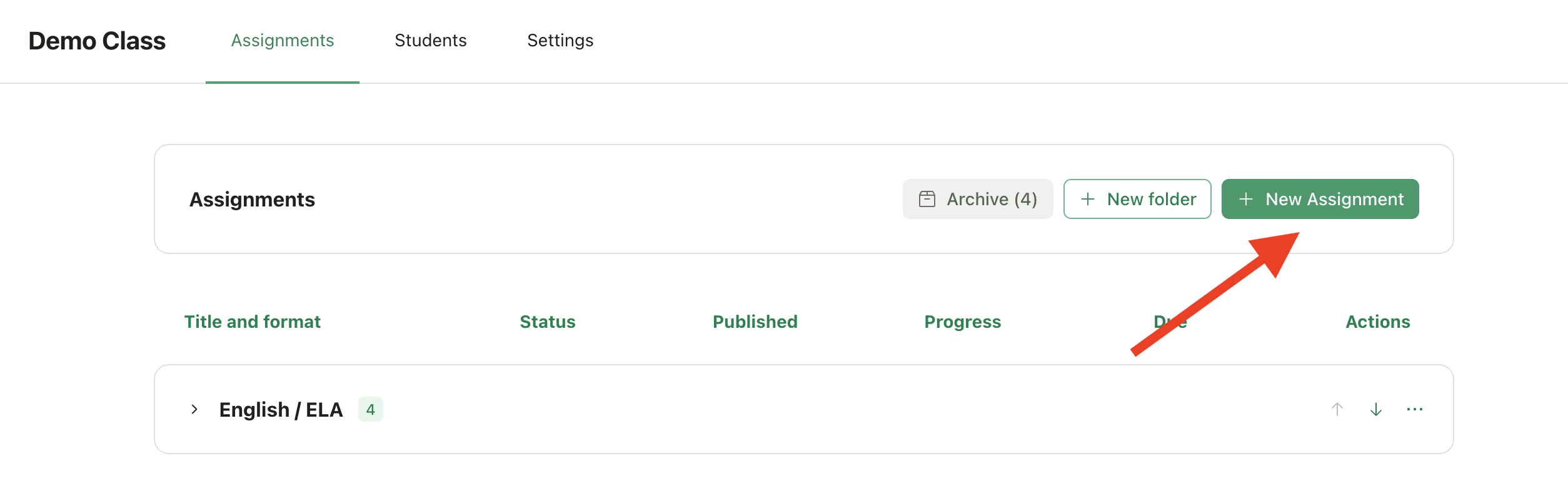
Click New Assignment
Click New Assignment
3
Choose Type
You’ll see the assignment type selection screen
Assignment Types
Writing & Multi-Media
These types focus on open-ended, creative, or analytical work where students express ideas in their own way.
Setup flow: Import an existing assignment or generate one with AI, then create a rubric and configure feedback settings.
Set Up Writing & Multi-Media Assignments
Learn how to configure these assignment types
Structured Assignments
These types have defined questions with specific answers. GradingPal uses AI to extract questions from your document and generate rubrics automatically.
Supported question types:
Objective Questions
- Multiple choice and multiple select
- True/False
- Fill in the blank
- Matching
- Ordering/sequencing
Written & Calculation
- Short answer and extended response (essay)
- Numerical/calculation problems
- Mathematical proofs and derivations
- Code/programming questions
- Diagram-based questions
Set Up Structured Assignments
Learn how to configure these assignment types
Choosing the Right Type
Can I Change the Type Later?
You can navigate back during the wizard setup process before clicking Finish Setup, but once the assignment is created, the type is locked.Pro Tips
Writing is designed for single-task assignments
The Writing & Essays type works best for assignments with one main task (e.g., “Write an essay about…”). If your assignment has multiple distinct questions or tasks—even if they involve writing—consider using Worksheets or Quizzes instead. These structured types let you configure different question types (short answer, extended response, etc.) and grade each question separately. Example:Choose Structured for answer-key grading
If your assignment has specific correct answers (even partial credit scenarios), Structured Assignment types will give you more control. You can add answer keys and configure exactly how each question should be scored.Coming Soon
📁 Portfolios - Collections of work demonstrating skills, growth, and achievements. Join the waitlist to be notified when this type becomes available.
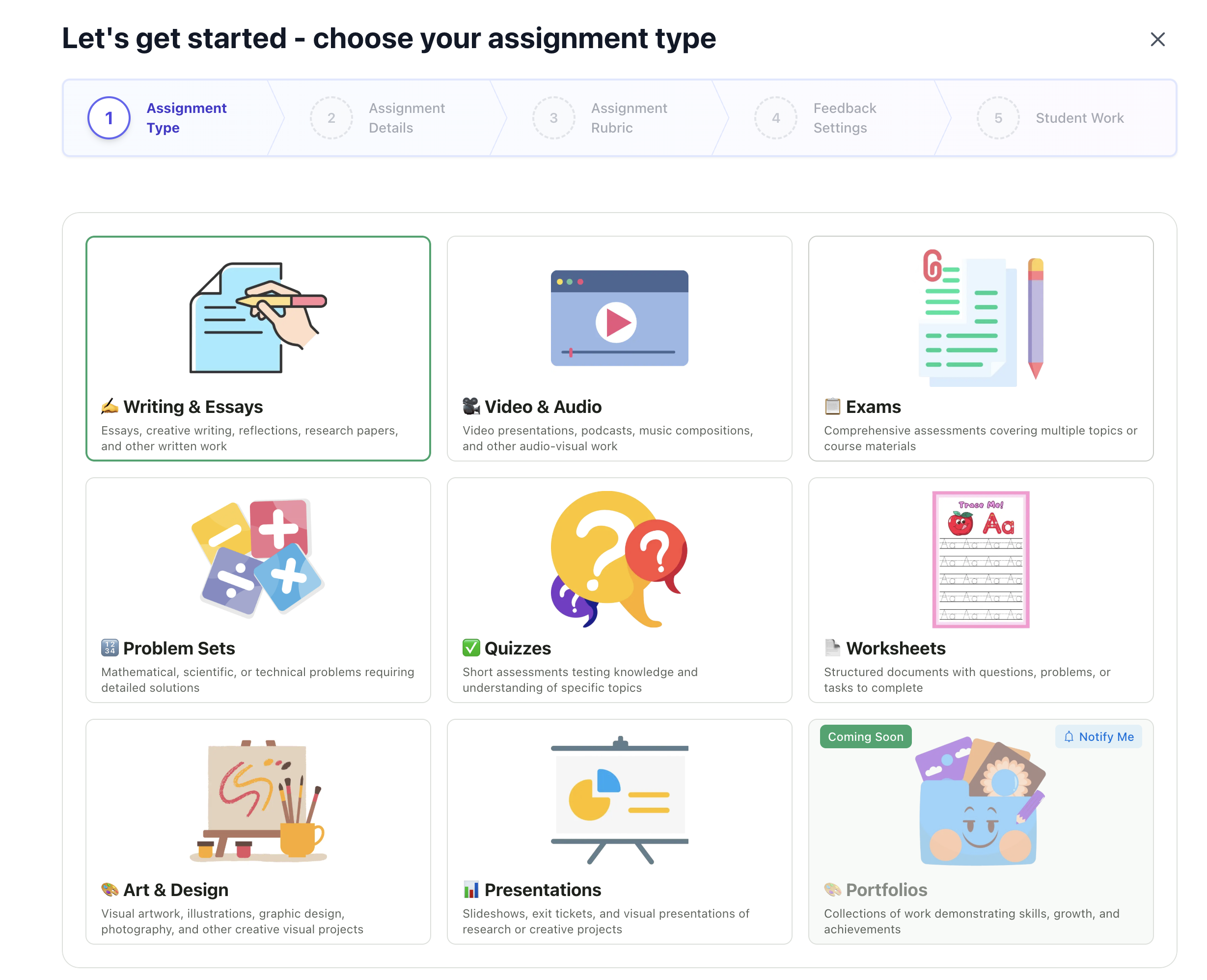
Choose the assignment type that best matches your grading needs